 Applotra
Work and personal profiles
Name each profile and open the account you need in its own window. Each profile keeps its data and settings separate.
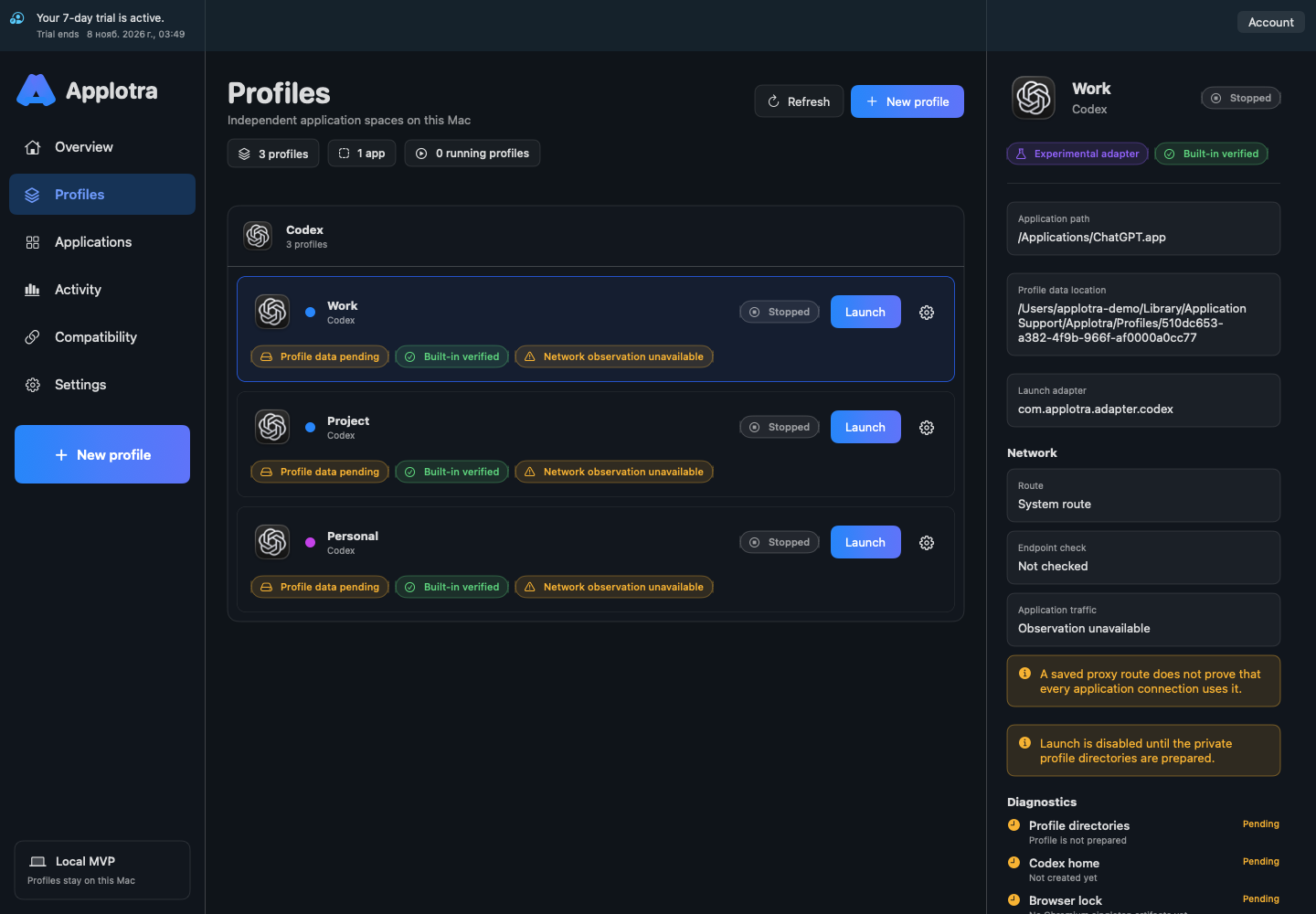
Create work and personal profiles for different apps. Each profile has its own data, settings, and connection route.
macOS · Windows · 7 days after sign-in
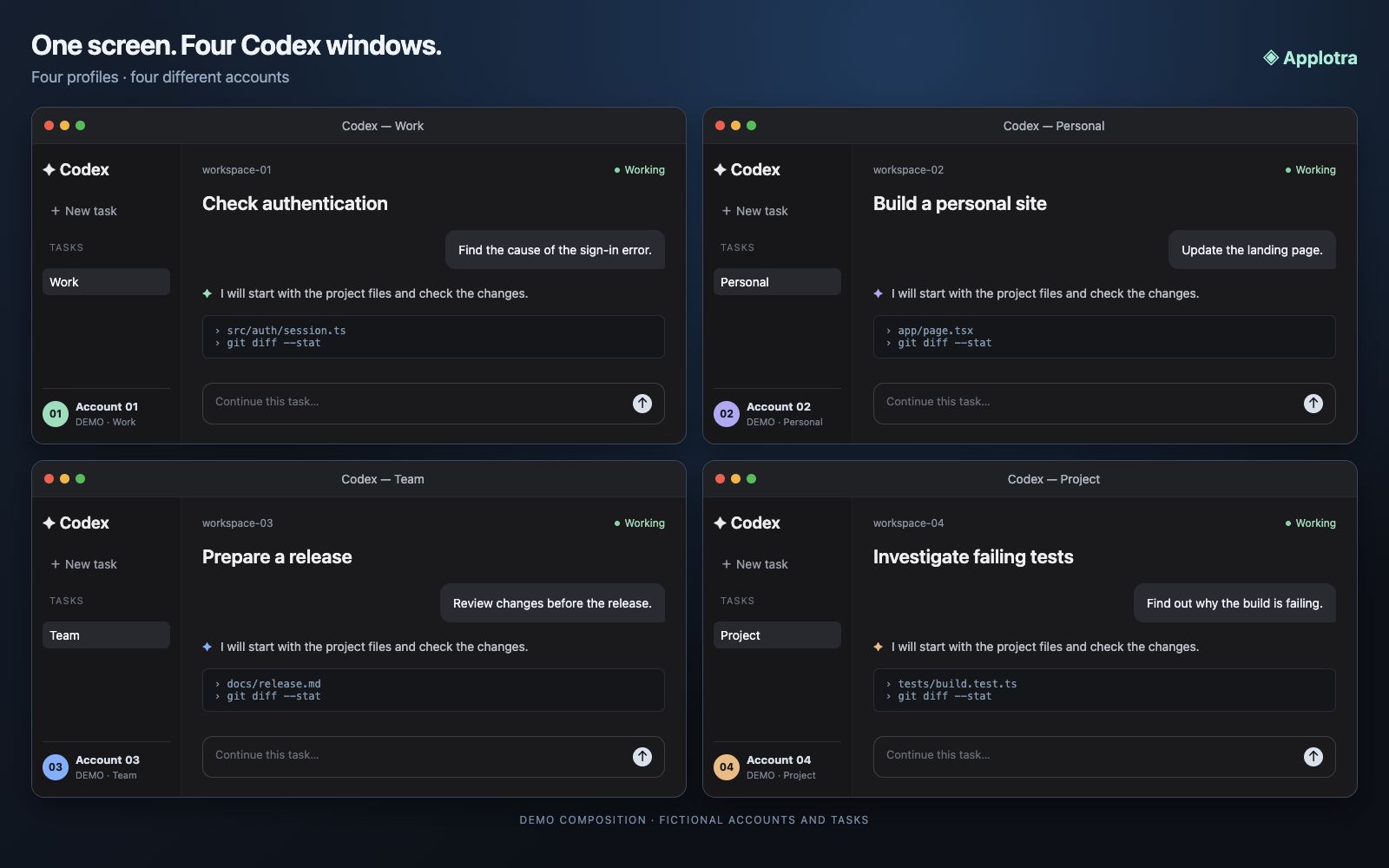

Run multiple windows with different Codex accounts at the same time.

Use separate Claude profiles for work and personal tasks.

Create separate Antigravity profiles, each with its own data and settings.

Run ZCode with separate data and launch settings for each profile.

Keep Kimi Code data and settings separate for each profile.

Keep browser sessions, cookies and settings separate by profile.
Create multiple profiles for the same app. Each has its own data and settings, and you can keep the windows you need open side by side.
Name each profile and open the account you need in its own window. Each profile keeps its data and settings separate.
Run Codex profiles side by side and use different accounts in separate windows.
MEET APPLOTRA
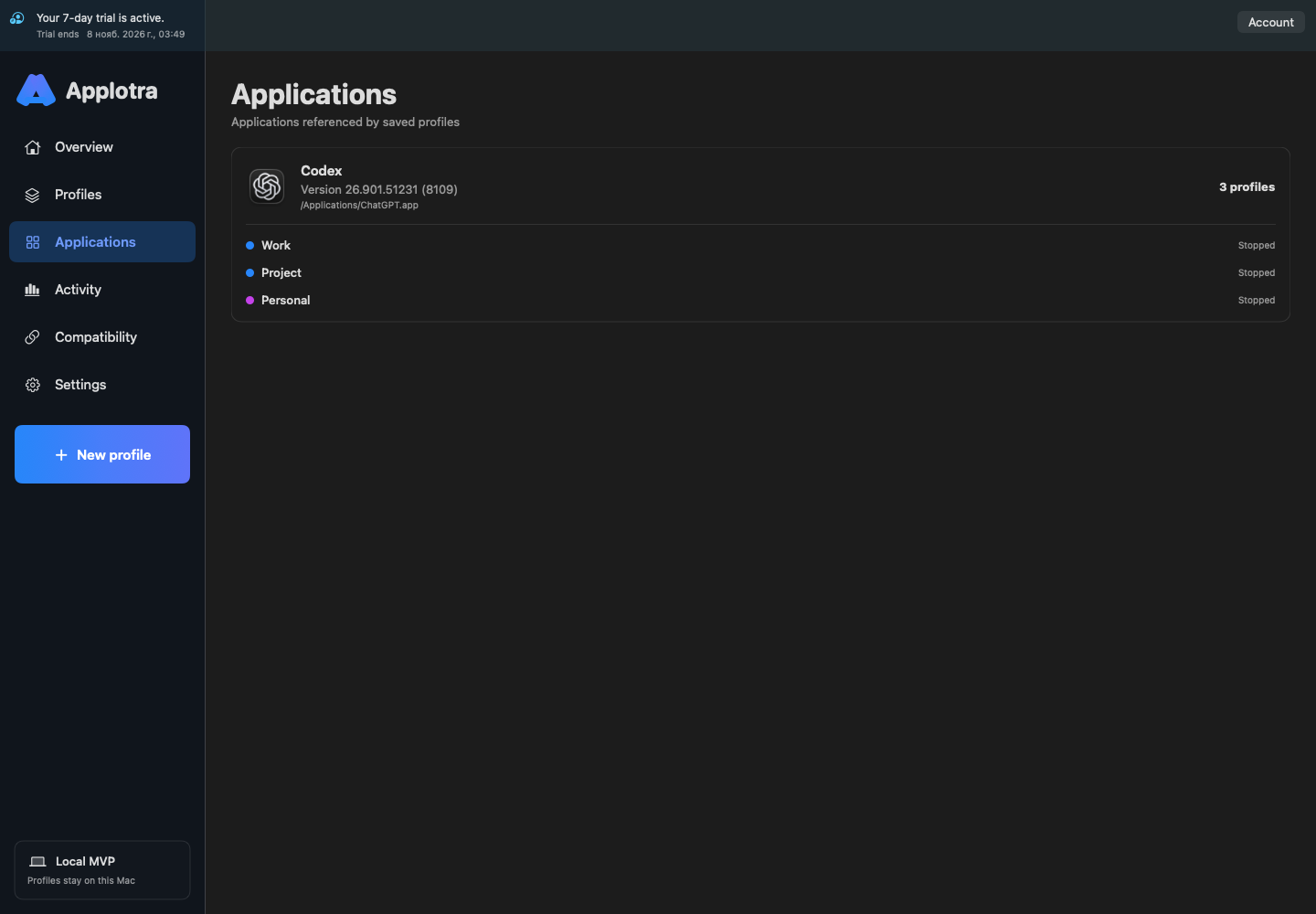
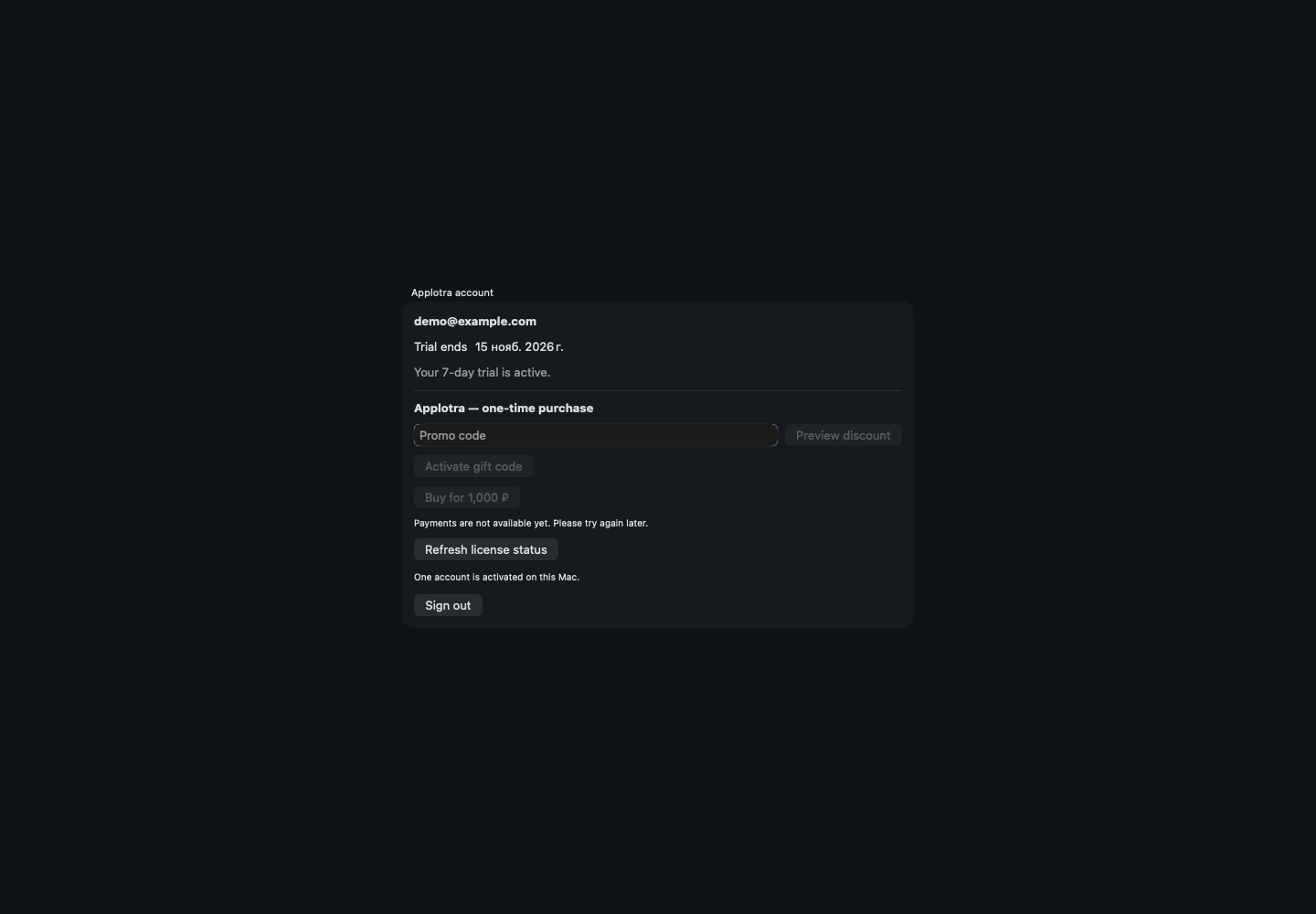
Explore Applotra screens for Mac. Screenshots use demonstration profiles and data.
START WITH ONE PROFILE
Choose Apple Silicon or Intel, download the DMG and drag the app to Applications.
Verify your email. Your trial starts after your first successful sign-in.
Choose an installed app, give the profile a name and sign in to your chosen account in its window.
QUESTIONS?
Applotra manages profiles for Codex Desktop, Claude Desktop, ZCode, Kimi Code, Google Chrome, and Google Antigravity App (on macOS and Windows). Compatibility is checked for the installed app version.
Yes. Your 7-day trial starts automatically when you first successfully sign in to Applotra after verifying your email. An online access check is required before launching a profile. Already running profiles are not forcibly closed if the connection is lost.
If the proxy becomes unavailable, requests through it may fail while the app window stays open. See Help for details.
Yes. Applotra is available for macOS and Windows.
In Applotra, select ‘Check for updates’. If a new version is available, save your work, close all running profiles, and select ‘Install and restart’.
MAKE ROOM FOR YOUR WORK
Create an Applotra account and verify your email. Your 7-day trial starts automatically the first time you successfully sign in to the app. No card required.
Choose your operating system
After the trial, new launches require a paid license. Your data is preserved.
To buy, sign in to Applotra and open Account. The app opens Robokassa in your browser, where you'll see the final amount before paying.